 Fenluxo
Window and Door Design
From Tilt & Turns to French doors, Fenluxo creates your design to size and colour.
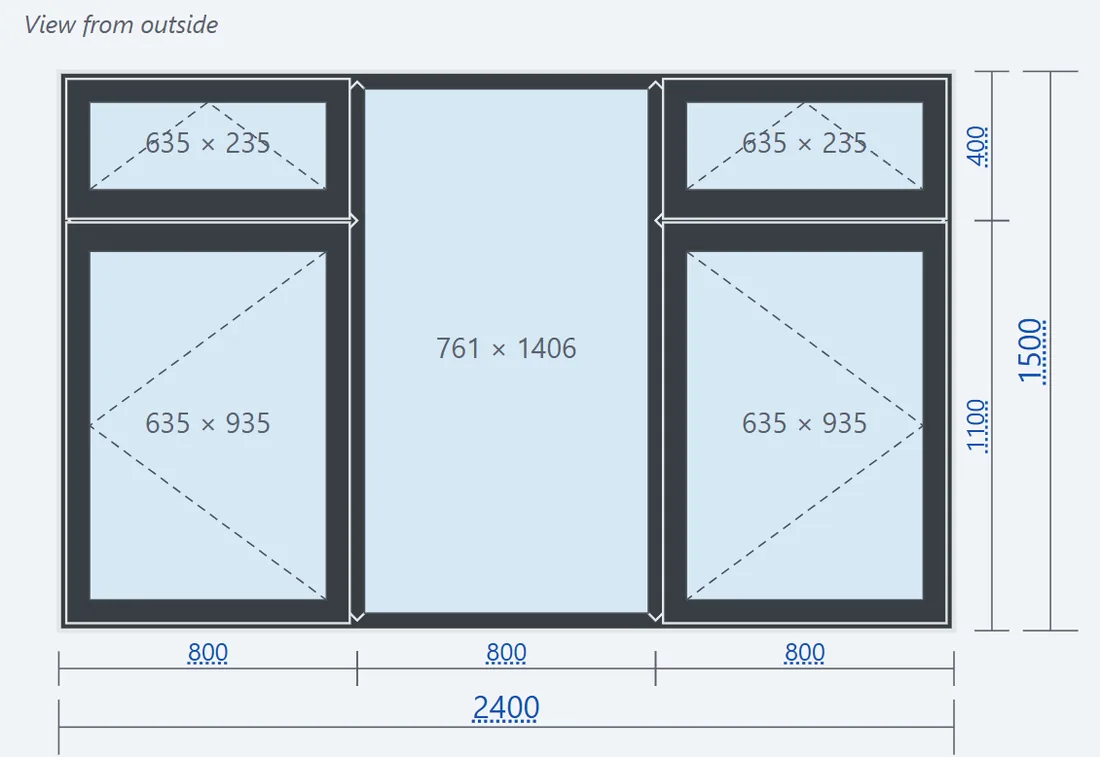
From drawing windows and working out prices to managing production and delivery, Fenluxo keeps everything in one place. Use it in the office, on the workshop floor or out on the road.
Windows · Android · iPhone and iPad · Download for users
Features
Fenluxo keeps everything and everyone connected. The office, partners, workshop and drivers all work from the same job information, so everyone knows what's happening and what's next.
From Tilt & Turns to French doors, Fenluxo creates your design to size and colour.
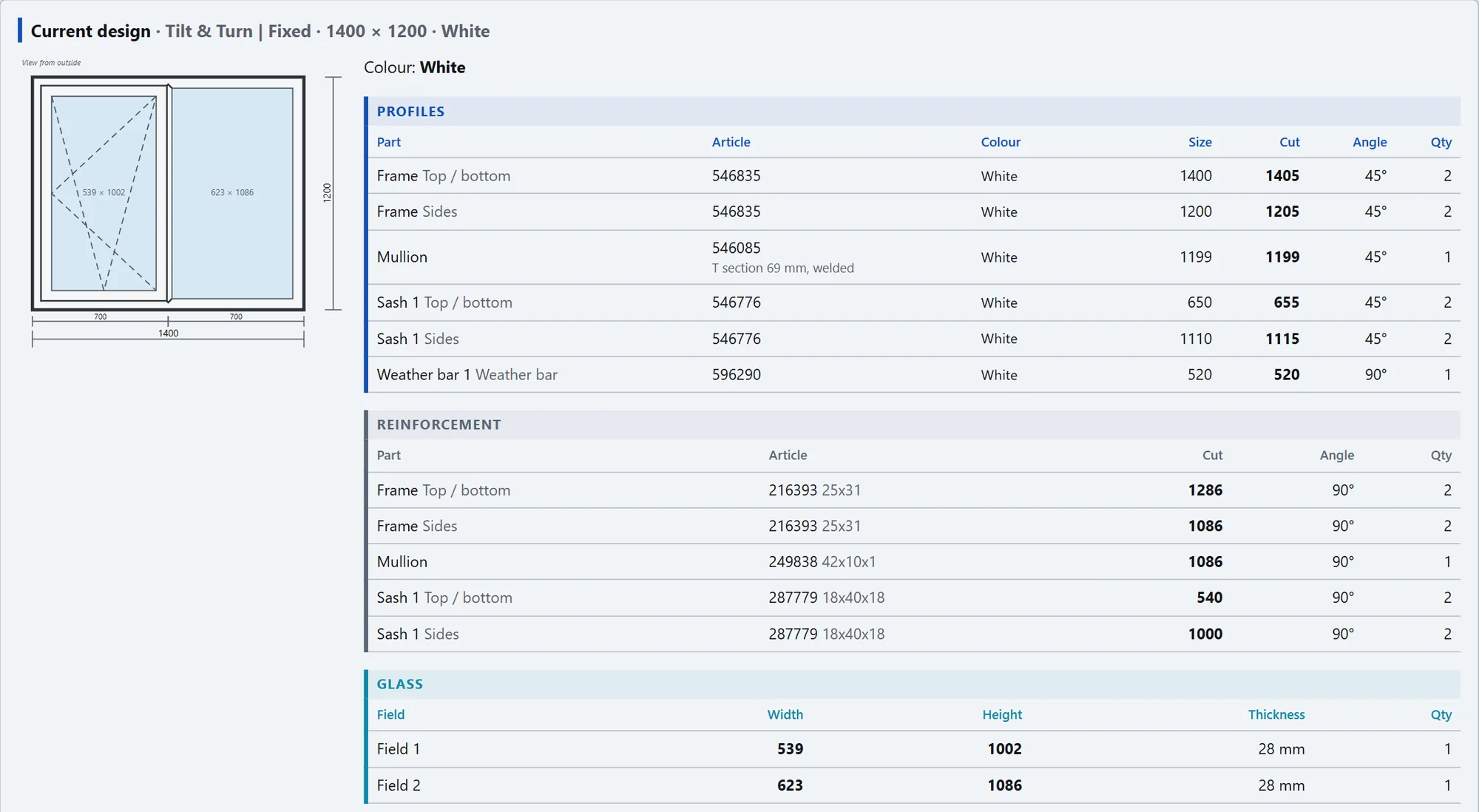
Profiles, steel, glass, beads and hardware worked out from the drawing, and printed for the saw with one page per window.
Prices built from material, labour and your markup. Quotes printed or saved as PDF, and invoices with payments and credit notes.
Partners measure on site, draw the windows on their phone and ask for a price. You send it back, and once they accept, the job goes to production.
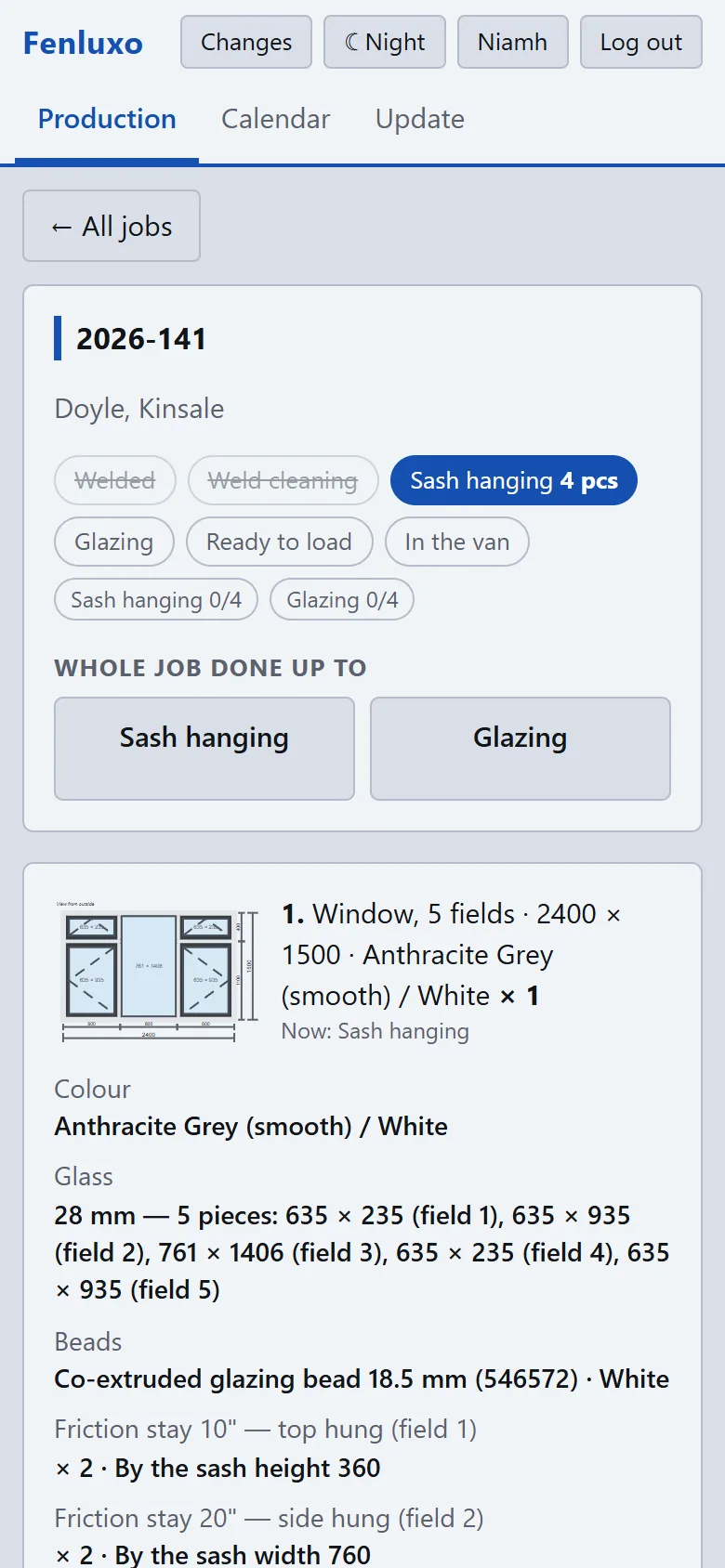
See every job at its stage, from welding to glazing. Jobs move on by themselves, and each worker sees only their own stages.
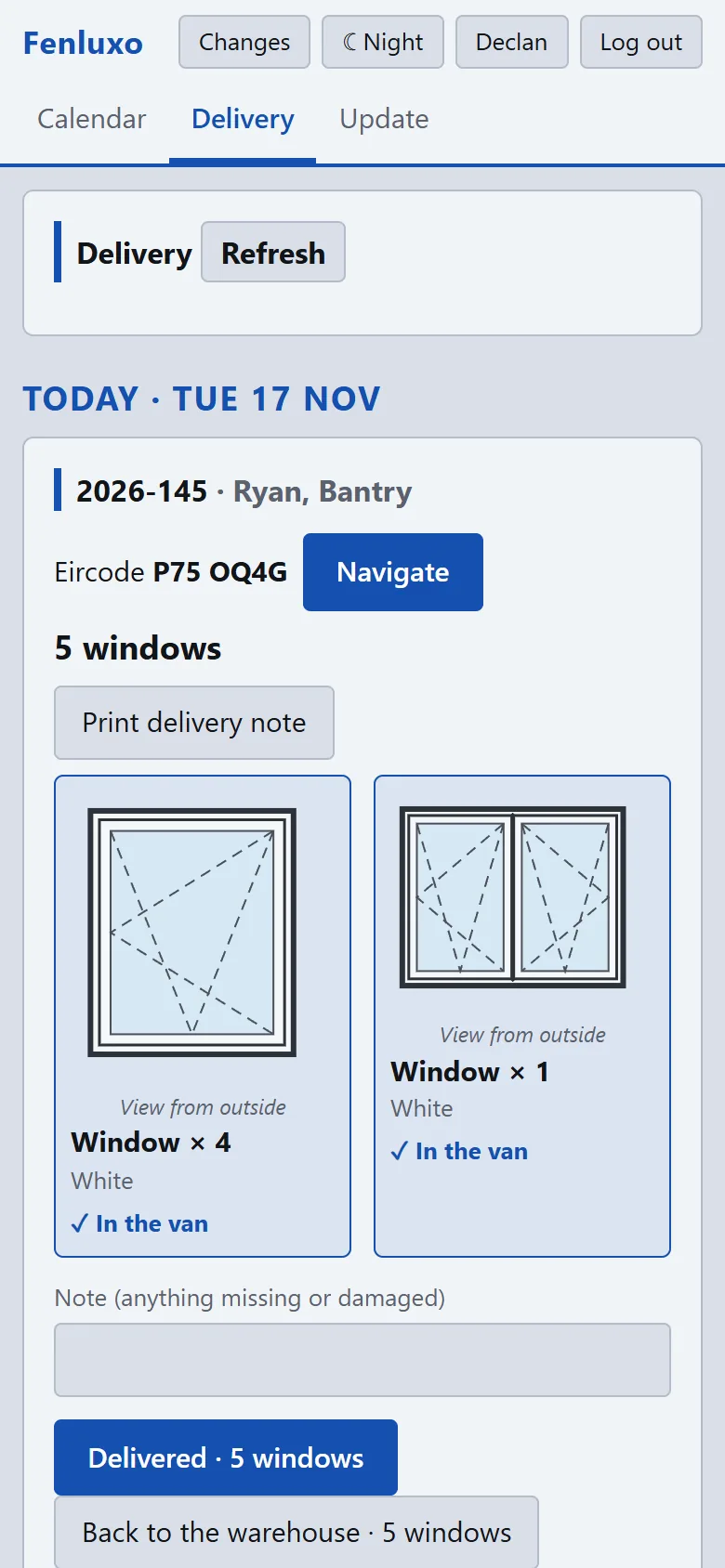
Accessory packing with QR labels, loading line by line, and the driver's list by day with the Eircode and one tap to Google Maps.
Each firm has its own server and database, hosted in the EU. The office approves every device and can switch any of them off.
Choose which layouts and options the designer offers. The owner decides who sees which part of the program, and who may change the rules and the prices.
Cutting lists
Frame and sash sizes, steel, glass and beads come from your firm's own rules, set up for REHAU TOTAL70 C with mullions, transoms, doors and SLINOVA sliding doors. Where a rule has not yet been checked on a real window, the list says so.
Workshop
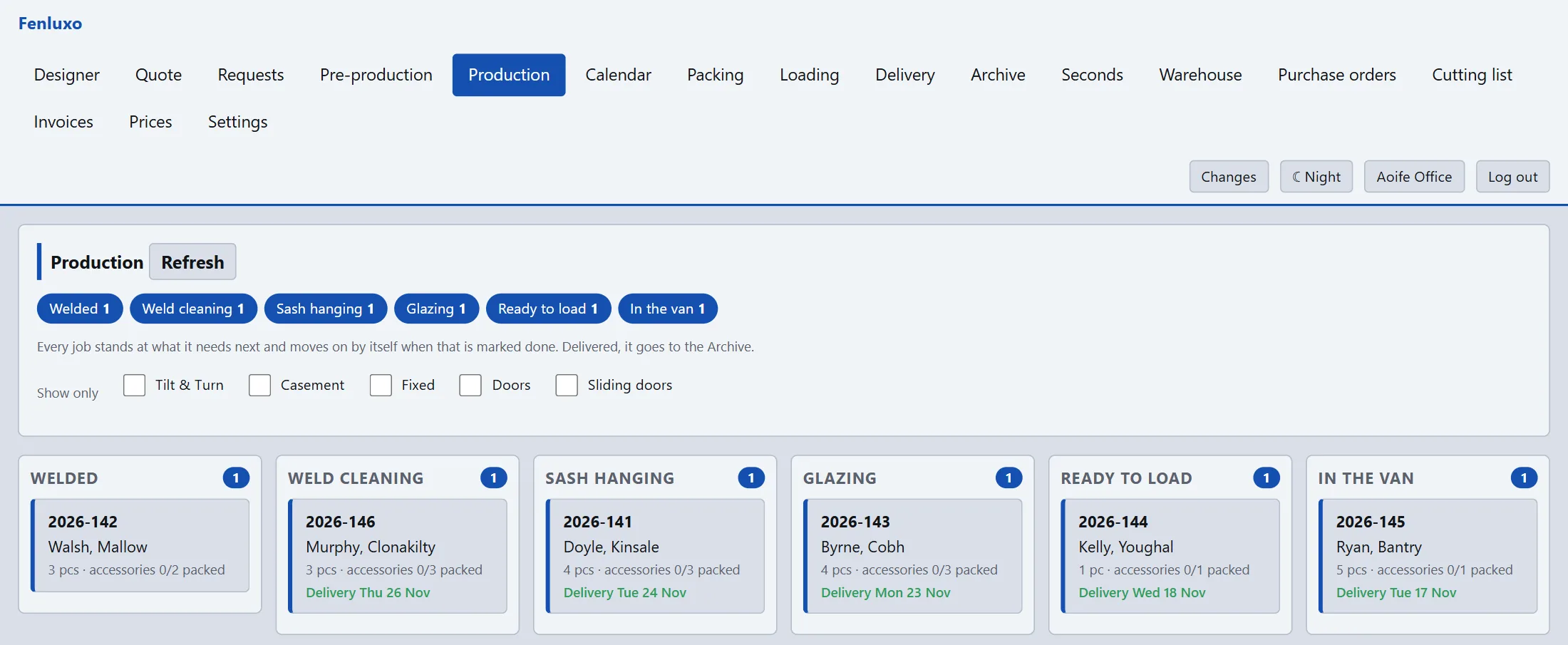
A board from welding to glazing, then ready to load and in the van. A stage marked on the workshop tablet moves the job on, and the office sees it at once.
Calendar
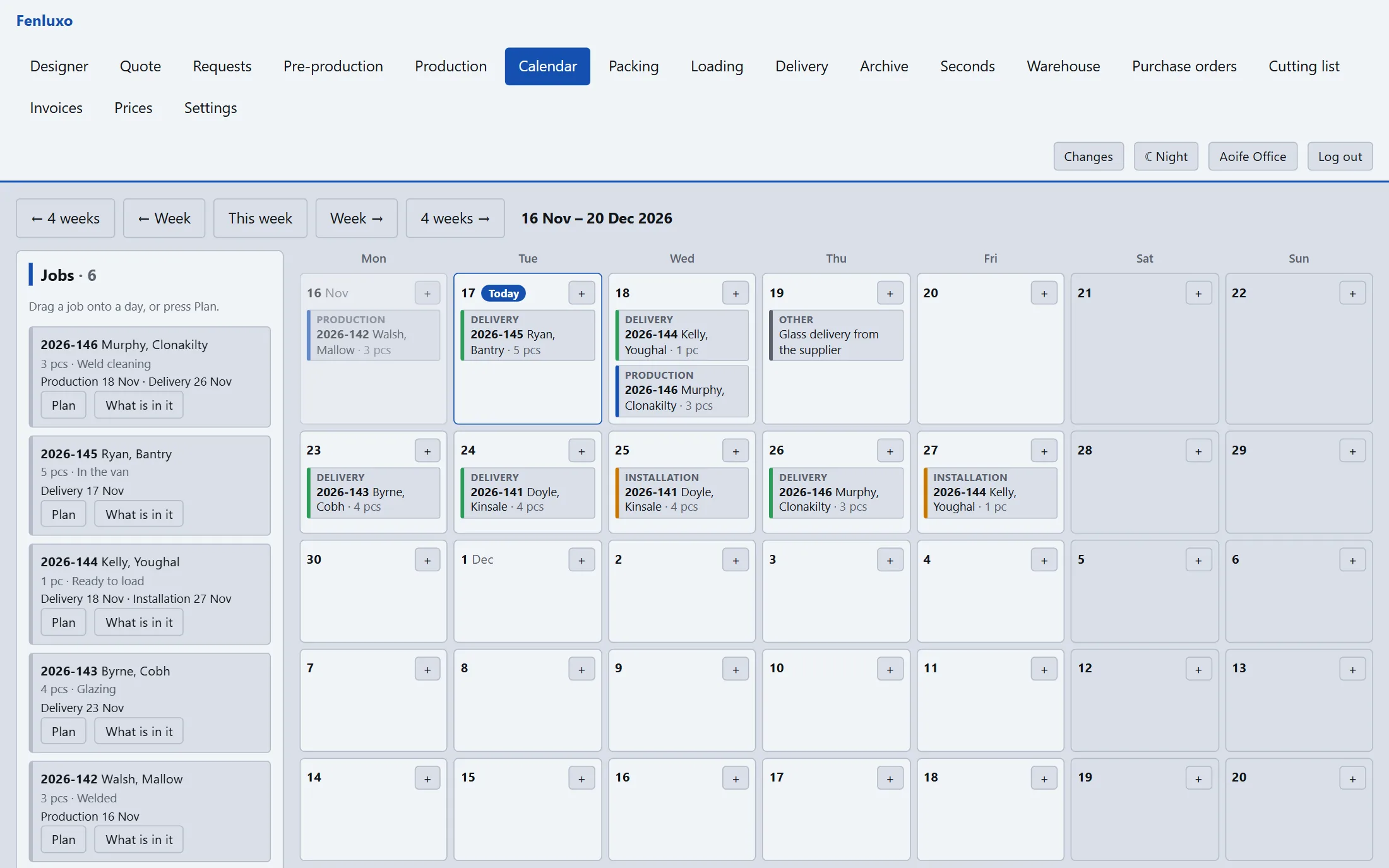
Drag and drop jobs onto the calendar to schedule production, deliveries or installations. The workshop and drivers can see what's planned, and the calendar updates across everyone's devices automatically.
Phones and tablets
Staff log in using their name and a PIN supplied by the office. They see the jobs ready for their stage, along with the details and requirements for each window.
Drivers have their own daily delivery list, complete with Eircodes. They can tick off deliveries as they go and make a note of anything missing.
Partners can draw up window designs on their phone and request a price directly through Fenluxo. No paperwork, no passing drawings back and forth.
How a job runs
Developed alongside a window fabricator in Ireland and tested against real jobs and production orders from the factory floor.
 Also from Fenluxo
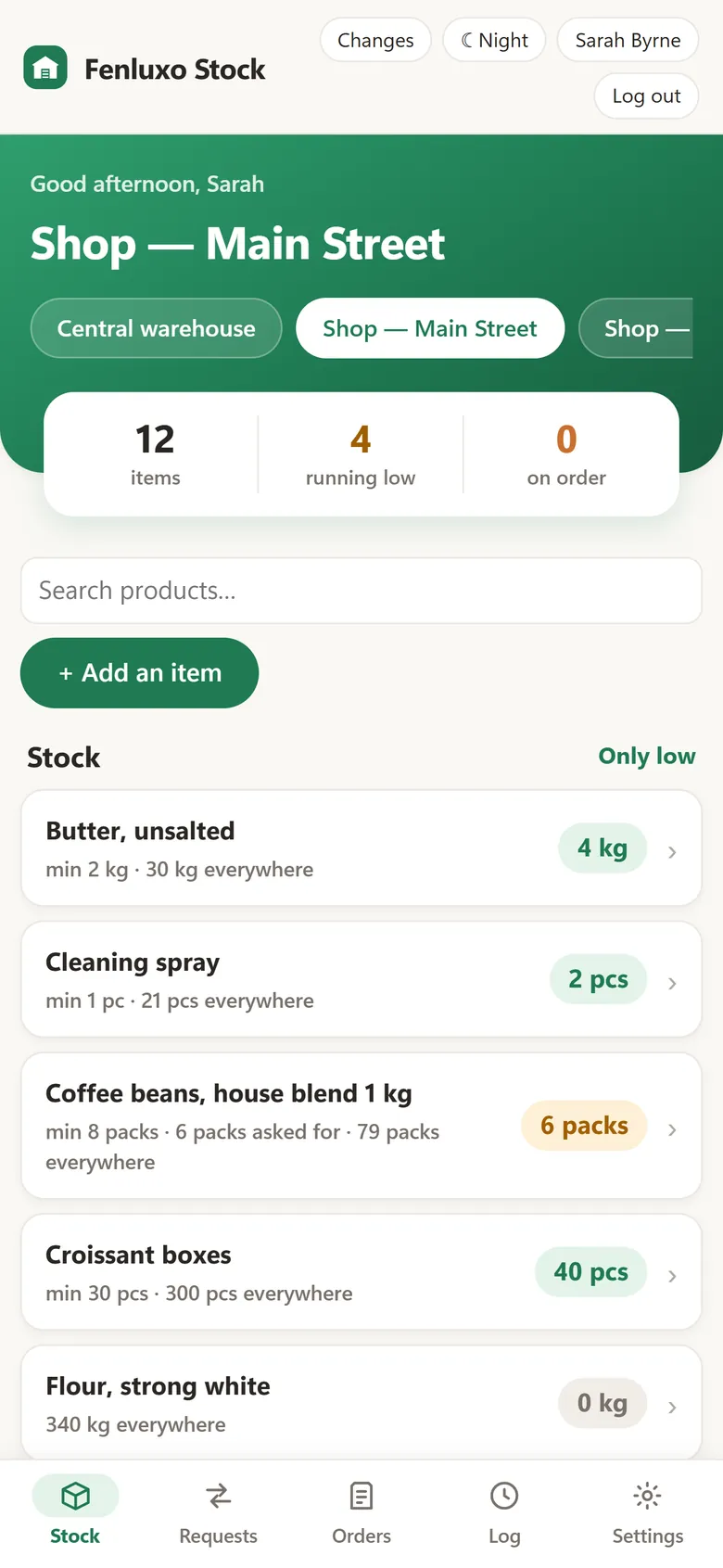
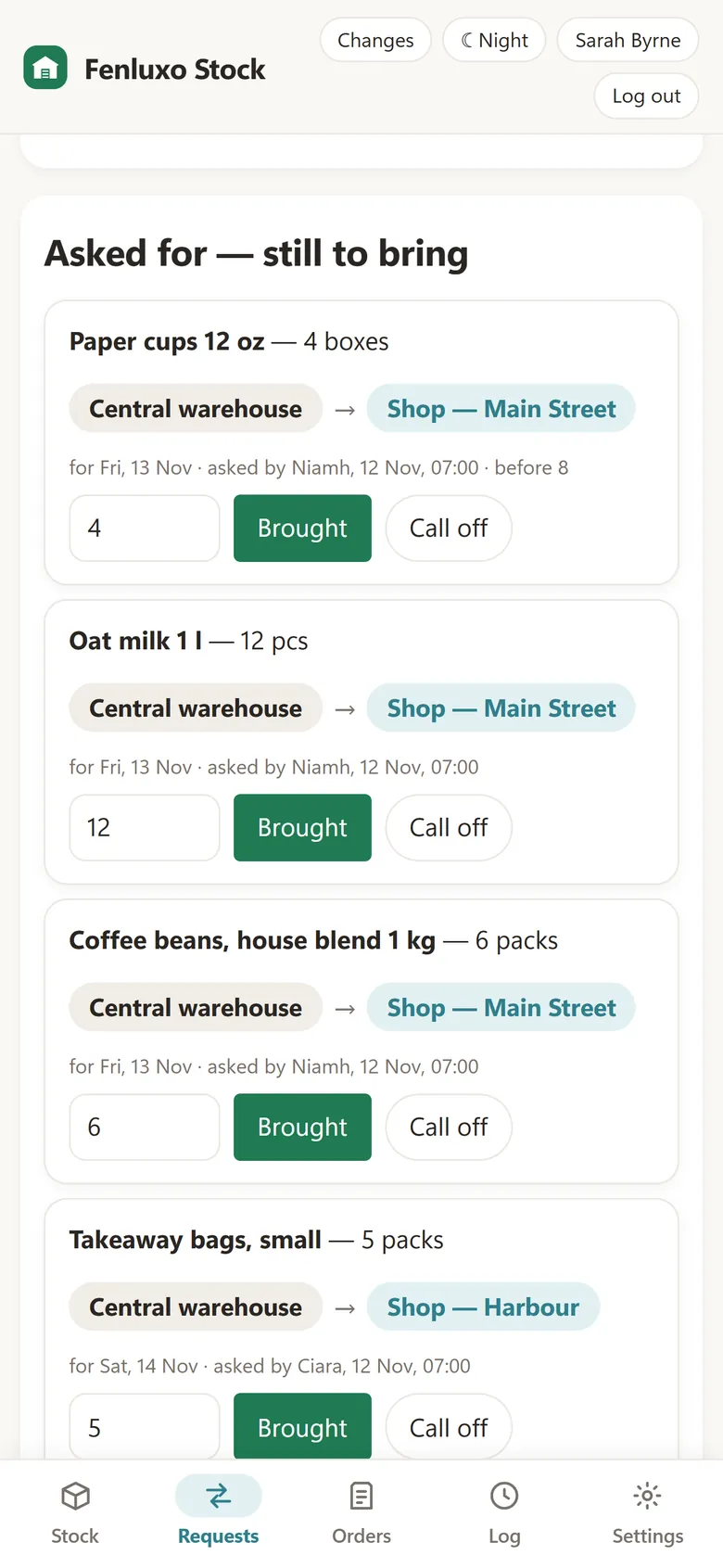
Stock across all your locations, for any small firm: a warehouse, shops, a bakery, a van. The office and the staff work on the same stock, each on their own device.
Windows · Android
Send us a window or a door you made last week, and we will show you Fenluxo working it out.
sales@fenluxo.com